


PHP & MySQL CMS Course in Multan
This course teaches PHP and MySQL from the ground up, using XAMPP as a free local server environment — similar to how Local WP works for WordPress. No paid hosting or subscriptions are needed. Students progress from printing their first PHP variable all the way to building a fully working custom CMS with login, post management, and an admin dashboard. Free AI assistance is introduced to help students debug code, understand error messages, and generate boilerplate.Who should attend?
Aspiring full-stack developers, backend engineers, or computer science students who have completed foundational front-end design and want to build dynamic, database-driven web applications, custom databases, and admin panels from scratch.
Learning Outcomes
By the end of this course, you will be able to:
- Set up and use XAMPP to run a local PHP and MySQL server.
- Write PHP syntax: variables, data types, operators, conditionals, loops, functions.
- Connect PHP to a MySQL database using MySQLi.
- Build forms that insert, read, update, and delete data (full CRUD).
- Create a secure login and registration system with password hashing.
- Build a working admin dashboard to manage posts, pages, and users.
- Structure a PHP project using includes and a clean file organization.
- Use Bootstrap 5 to style your CMS front-end and admin panel.
- Use free AI tools (Google Gemini) to debug errors and understand unfamiliar code.
- Deploy a PHP project and database to free hosting (InfinityFree or similar).
Course Outline
The curriculum is divided into four logic phases, building a custom blog CMS as the final masterpiece:
Phase 1: PHP & MySQL Foundations
- Setup & Orientation: Installing XAMPP, htdocs directory, writing first scripts, PHP inside HTML
- Variables & Data Types: Strings, integers, floats, booleans, string operations, var_dump
- Conditionals & Loops: If/else statements, operators, for/while/foreach loops, associative arrays
- Functions & Reusability: Custom functions, include vs require, header/footer template modularity
- Form Handling: HTML form submissions, $_GET vs $_POST, basic inputs validation
Phase 2: MySQL & CRUD Operations
- Databases & phpMyAdmin: Database architecture, tables, fields, SQL database creation
- Connecting PHP to MySQL: Database connections, error handling, running SELECT queries
- INSERT - Creating Data: Handling post inputs, SQL prepared statements, and SQL injection prevention
- UPDATE & DELETE: Single-record updating, database deletion confirmation, CRUD workflows
- CRUD Polish: File structure formatting, Bootstrap 5 views, AI debugging
Phase 3: Login System & Admin Dashboard
- User Registration & Login: User tables, validation, password hashing, password_verify()
- Sessions & Access Control: session_start(), page-level access protection, redirects, logout
- Admin Dashboard UI: Sidebar navigation layouts, stats counters, Bootstrap admin templates
Phase 4: Full CMS Build & Deployment
- CMS Front-End Blog: Public post feed, single article views, category filtering, pagination
- CMS Admin Post Manager: Draft/published posts, rich-text editor (TinyMCE) integration, image file uploads
- Polish & Deployment: DB SQL exports, InfinityFree cPanel setup, database migrations
Course Projects
- Project 1: PHP Profile & Contact App - A multi-page PHP site utilizing includes, arrays, and validated contact forms without database integration.
- Project 2: Database-Driven CRUD App - A complete database-driven app (e.g. inventory or student records) with CRUD views, prepared statements, and Bootstrap 5 styling.
- Project 3: Custom Blog CMS - A fully completed database-driven blog CMS with admin dashboard, secure authentication, image uploads, and live deployment on InfinityFree.


Other IT Training Courses
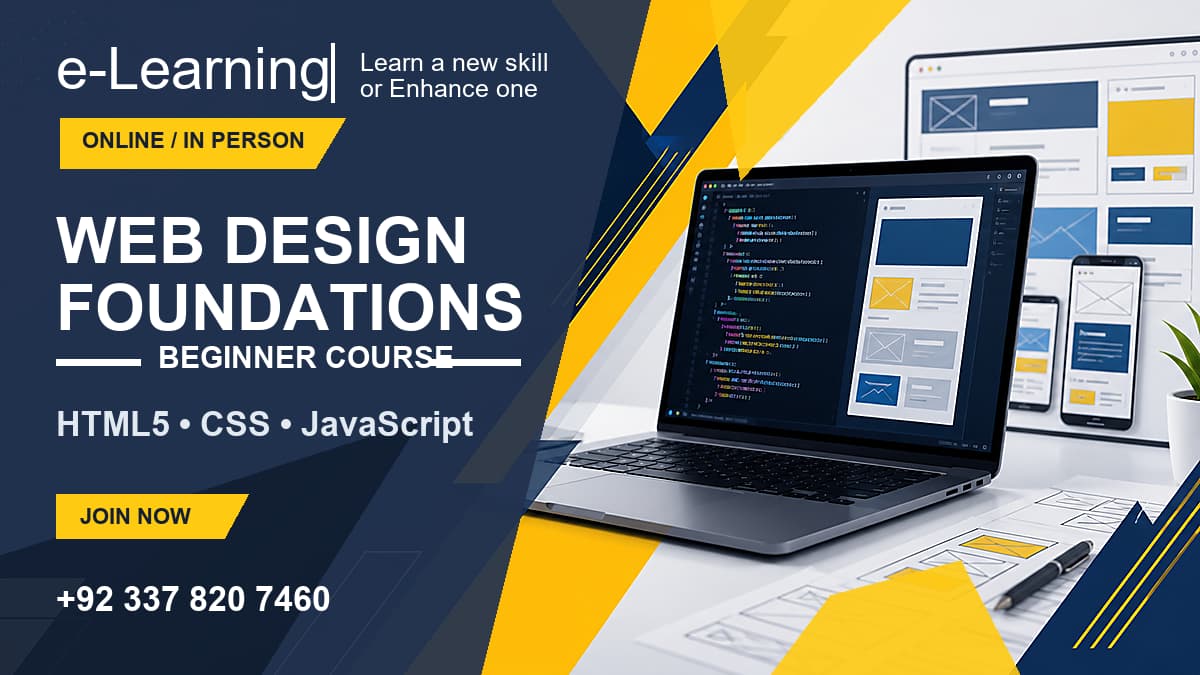
Web Design Foundations Course
Learn the fundamentals of web design, HTML5, CSS3, Flexbox, and basic JavaScript.

AI Web Design Foundations Course
Master an AI-assisted design-to-code workflow utilizing Google Stitch, Bootstrap 5, and Google Antigravity.

WordPress Beginners Course
Build blogs, custom Gutenberg business websites, and WooCommerce e-commerce stores from scratch.