


WordPress for Beginners Course in Multan
This course teaches WordPress from scratch using Local WP — a free desktop application that runs a full WordPress environment on any laptop without needing internet, hosting, or a domain. Students build three progressively complex real-world sites: a personal blog, a business website, and a basic WooCommerce online store. Light AI assistance is introduced mid-course to help students write page content and product descriptions using free tools.Who should attend?
This course is perfect for beginners, bloggers, entrepreneurs, and freelance enthusiasts who want to build and manage professional websites or online stores using the world's most popular CMS (WordPress) without any initial server costs or hosting fees.
Learning Outcomes
By the end of this course, you will be able to:
- Install and manage a local WordPress site using Local WP.
- Navigate the WordPress dashboard confidently.
- Create and manage pages, posts, menus, widgets, and media.
- Install, activate, and configure free themes (like Astra) and plugins.
- Build a complete business website using the Gutenberg block editor.
- Set up a basic WooCommerce store with products, categories, and checkout.
- Use free AI tools (Google Gemini free tier) to generate page content and product descriptions.
- Understand basic SEO using the free Yoast SEO plugin.
- Export a Local WP site and understand how to move it to live hosting.
Course Outline
The course moves from basic dashboard configuration all the way to complete store deployment:
Phase 1: WordPress Foundations — Blog Site
- Setup & Orientation: WordPress.org vs WordPress.com, installing Local WP, dashboard tour
- Posts, Pages & Media: Categories, tags, media library, static homepage settings
- Themes & Menus: Astra/Hello themes, custom colors and fonts, navigation menus
- Widgets & Sidebars: Search, recent posts, and categories widgets in sidebars and footers
Phase 2: Business Website — Gutenberg Block Editor
- Gutenberg Blocks: Columns block, group block, custom layouts, and reusable blocks
- Essential Business Pages: About Us, Services, contact pages (Contact Form 7 integration)
- Plugins Deep Dive: Yoast SEO config, caching (WP Super Cache), and backups (UpdraftPlus)
- AI Content Integration: Free Gemini prompting for copy, bios, and FAQs
- Site Polish: Custom logo creation in Canva, mobile responsiveness with Chrome DevTools
Phase 3: WooCommerce Online Store
- WooCommerce Setup: Shop pages, dashboard tour, PKR currency and tax config
- Products & Categories: Simple products, product galleries, AI-assisted descriptions
- Store Pages & Checkout: Cash on Delivery payment, shipping zones, flat-rate shipping
- Store Polish & SEO: Yoast SEO for products, sale prices, upsells, and discount badges
- Export & Deployment: Site zip exports, InfinityFree cPanel setup, live migration
Course Projects
- Project 1: Personal Blog - A fully set-up WordPress blog with a free theme, at least 5 published posts across 2 categories, customized menus, and sidebar widgets.
- Project 2: Business Website - A 5-page business site built with Gutenberg blocks, Contact Form 7, custom Canva logo, and Yoast SEO optimization.
- Project 3: WooCommerce Online Store - A complete online store built on top of the business website with 8+ products, Cash on Delivery, flat-rate shipping, and discount badges.


Other IT Training Courses
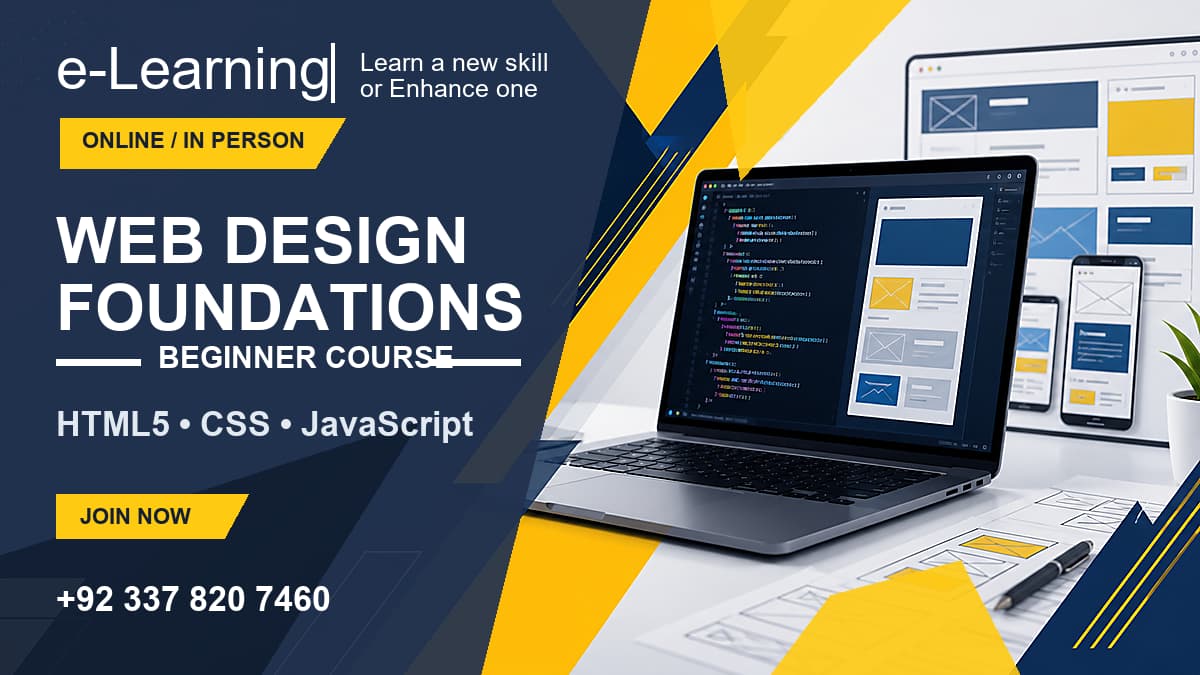
Web Design Foundations Course
Learn the fundamentals of web design, HTML5, CSS3, Flexbox, and basic JavaScript.
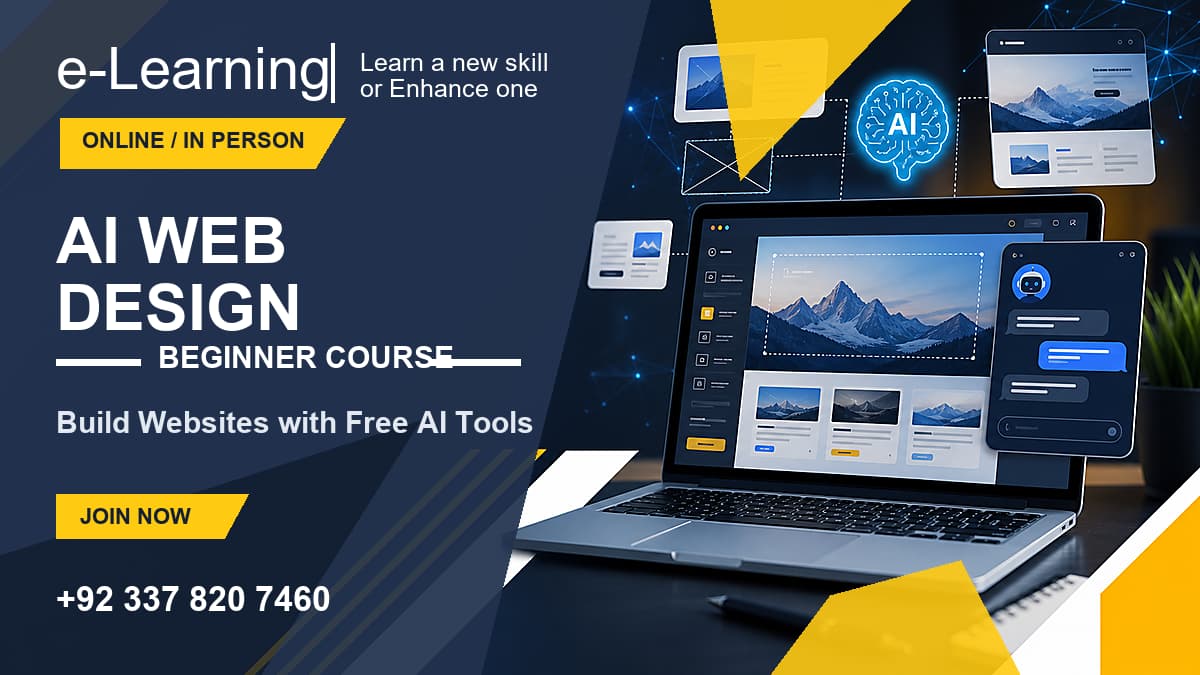
AI Web Design Foundations Course
Master an AI-assisted design-to-code workflow utilizing Google Stitch, Bootstrap 5, and Google Antigravity.
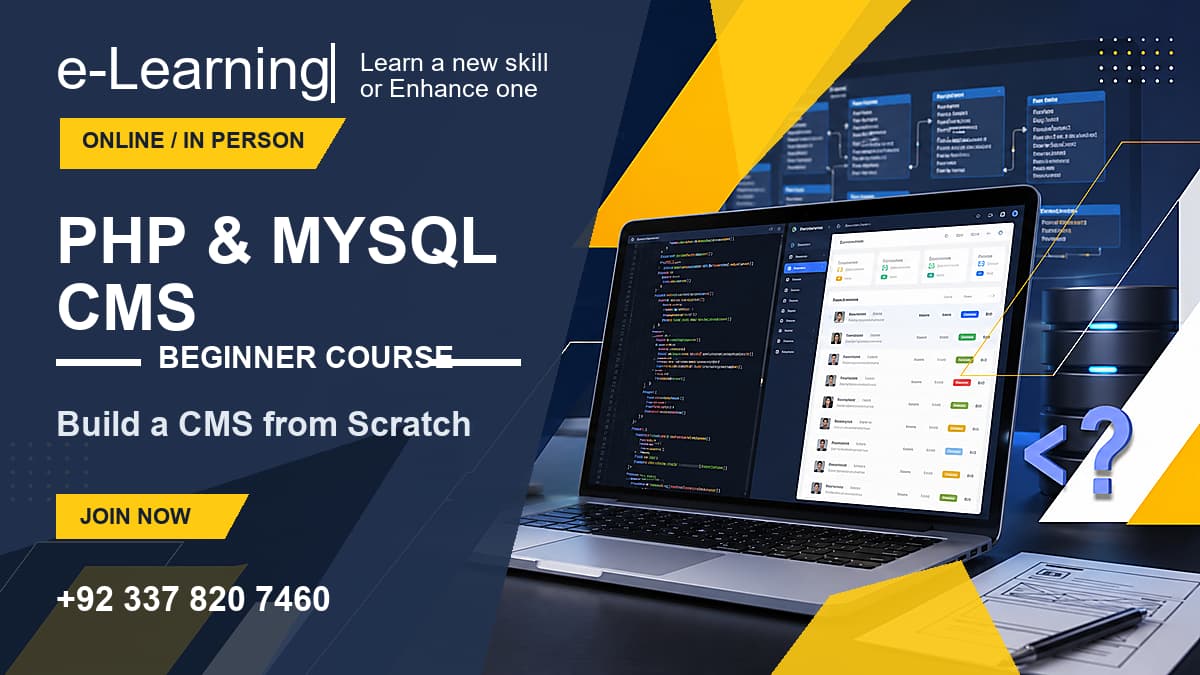
PHP & MySQL Custom CMS Course
Build secure user authentication, database CRUD systems, and a custom blog CMS from scratch.